Item type templates
Item type templates provide a variety of options for presenting question and response content, as well as different methods of collecting response data and scoring items.
|
Template |
Description |
|---|---|
|
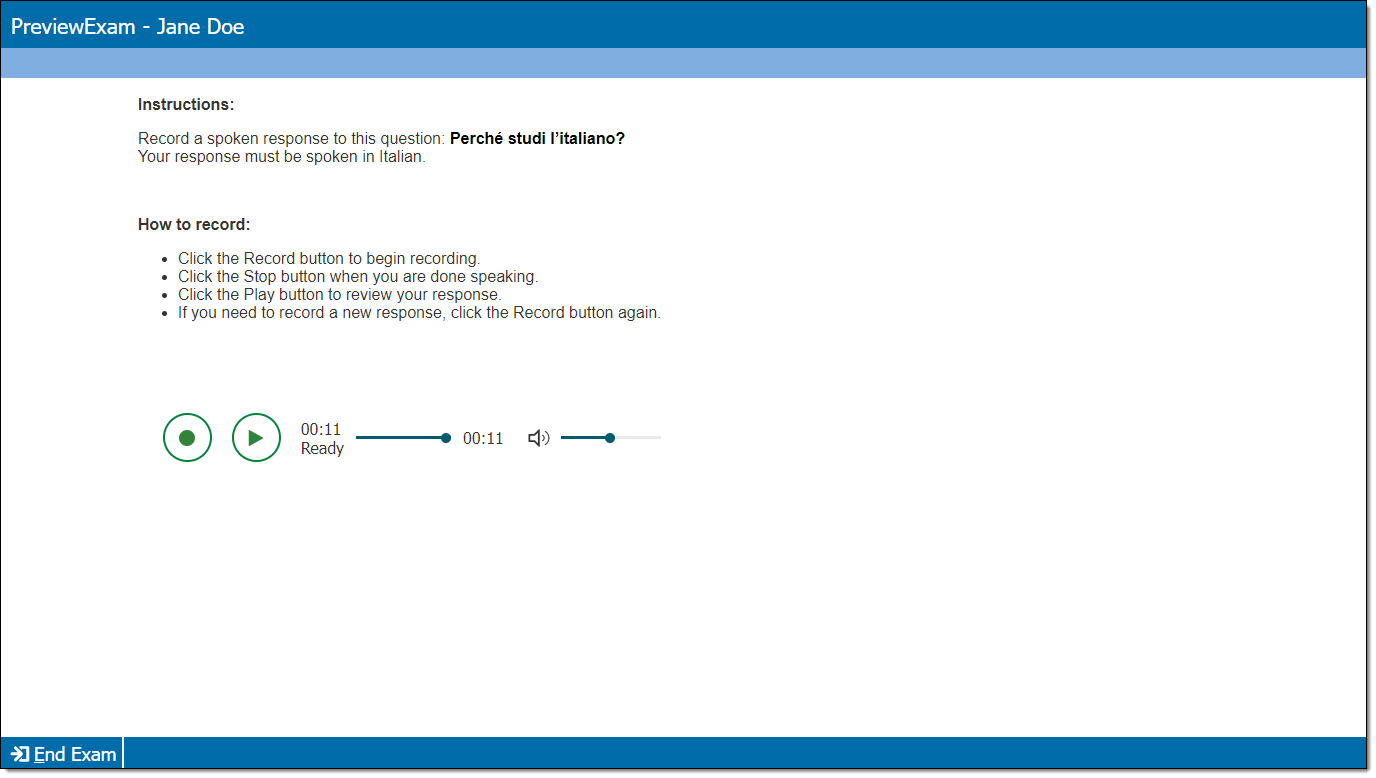
An item with an audio recorder. The candidate is asked to record a spoken response using the recorder. An audio player may be presented with the recorder if the candidate is required to listen to an audio clip before recording a response.
|
|
|
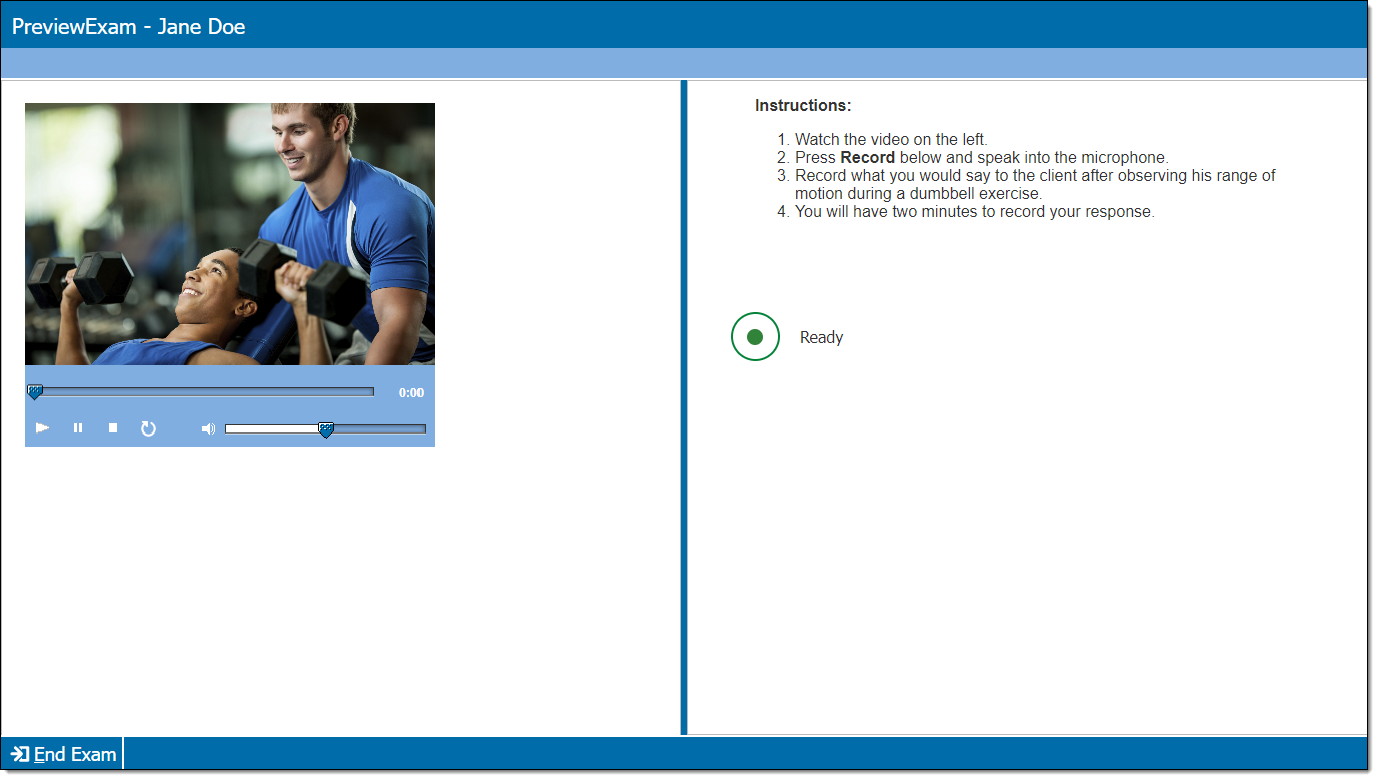
An item with a video player and an audio recorder. The candidate is asked to watch the video clip and record a spoken response using the recorder. An audio player may be presented with the recorder if the candidate is also required to listen to an audio clip.
|
|
|
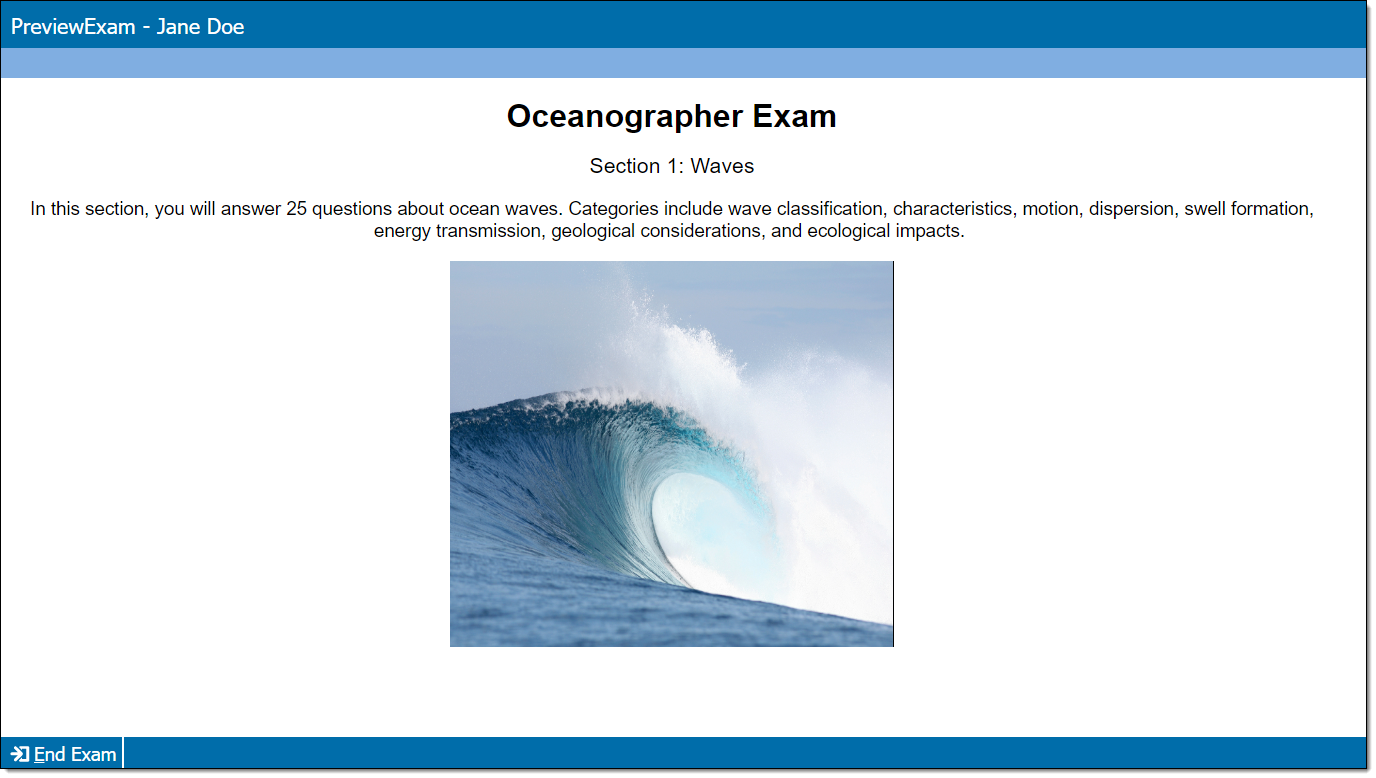
An item that does not ask for a response from the candidate; it is used for display purposes only (such as exhibits, welcome screens, or section intros).
|
|
|
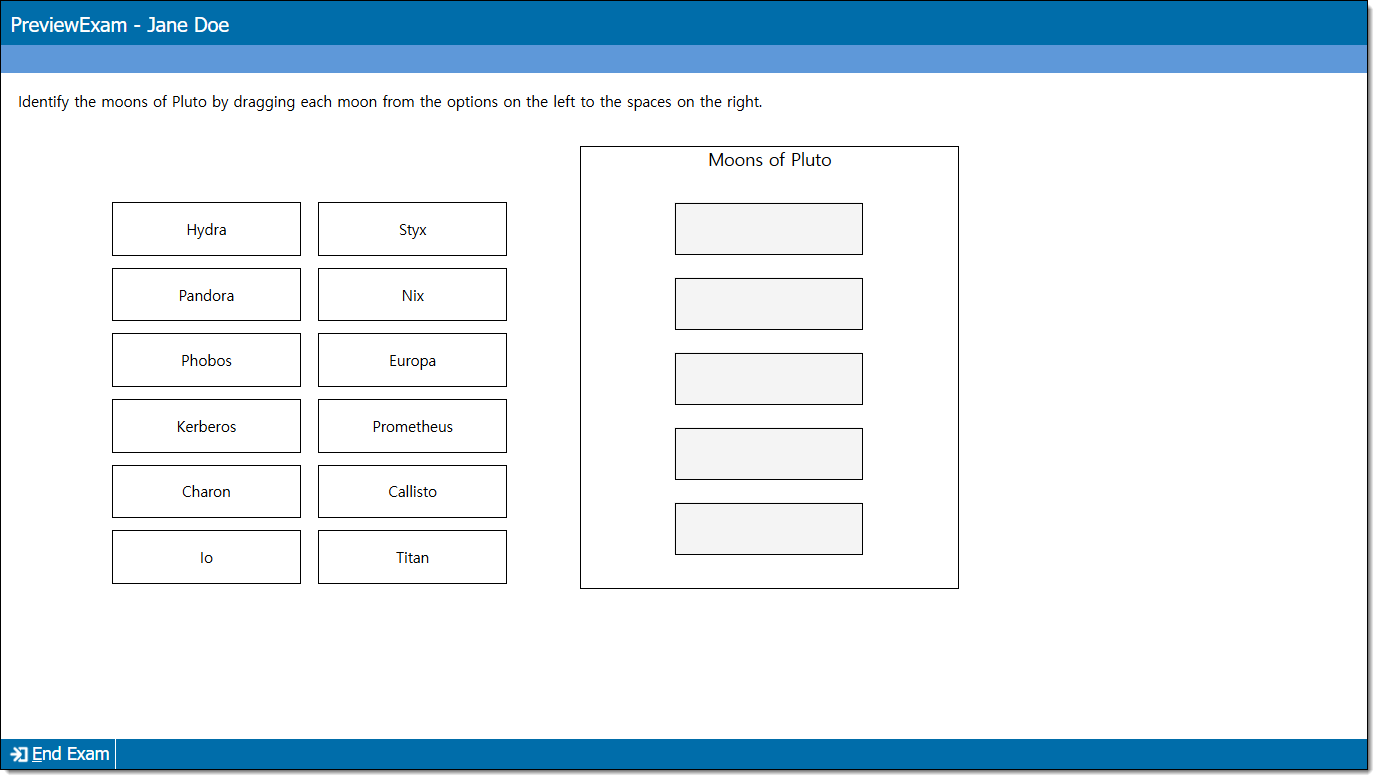
An item with a set of tokens and corresponding targets. The candidate must drag the correct token to each target.
|
|
|
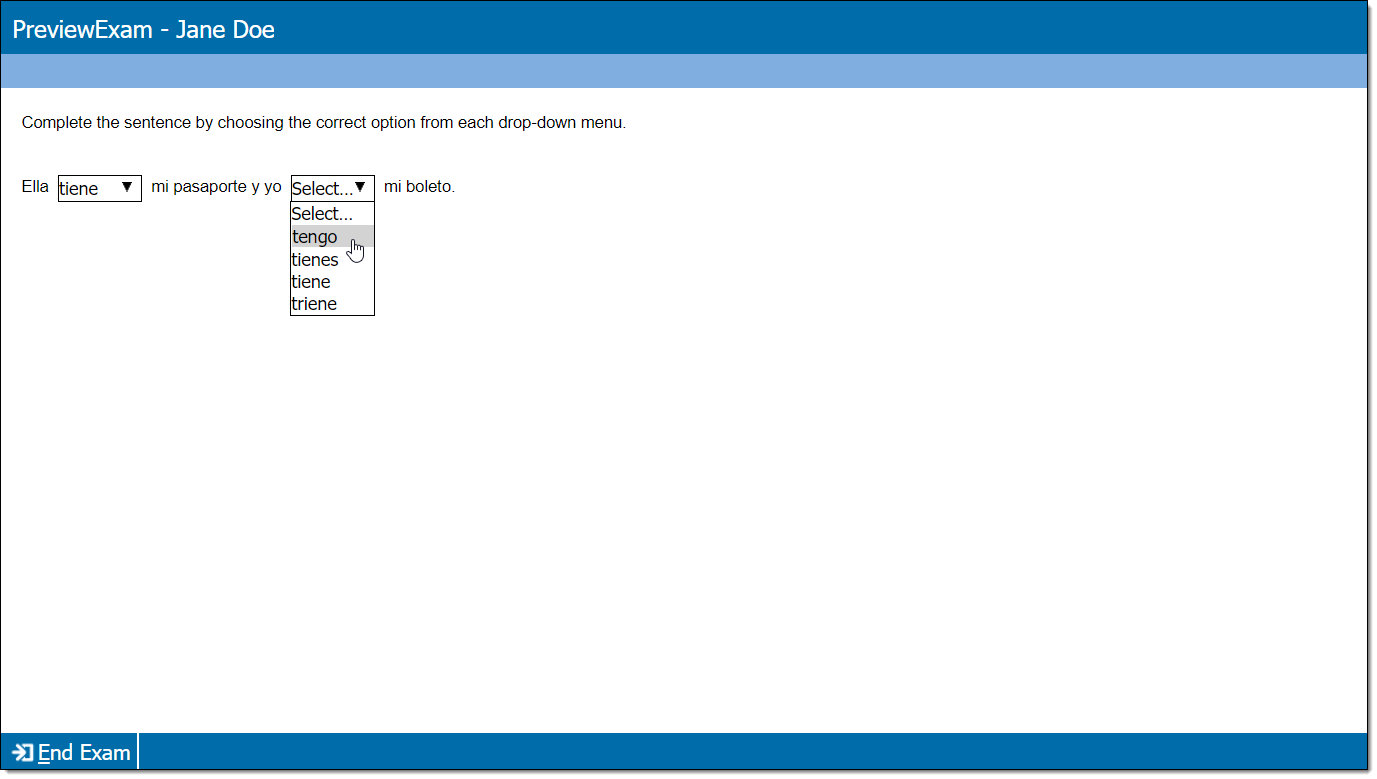
An item with one or more drop-down menus embedded in a text passage. The candidate must select correct responses from all of the drop-down menus to obtain a correct response, or the item can be configured to score points for each correct response and no points for each incorrect response.
|
|
|
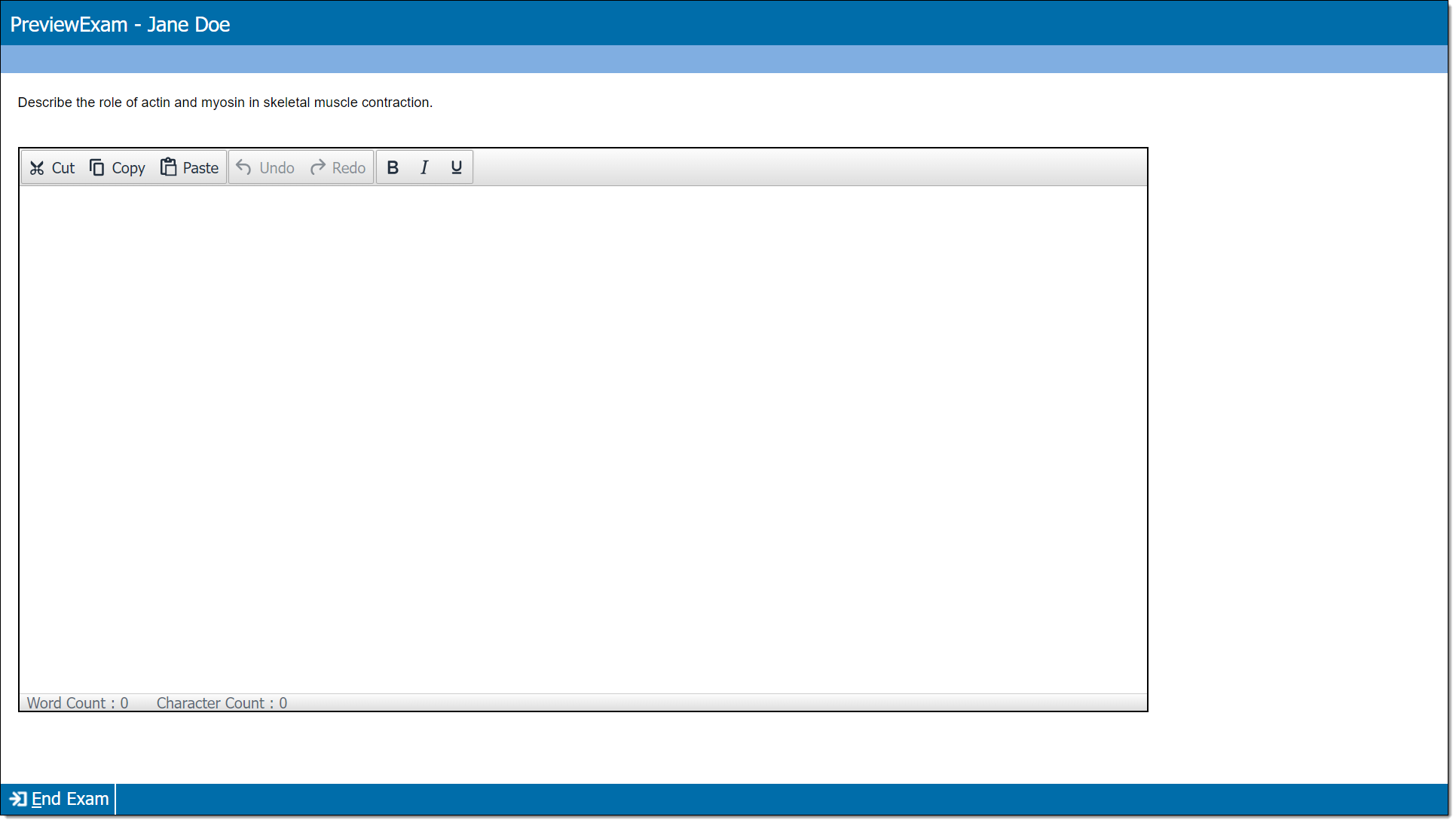
An item that provides a prompt for an essay response. As an item author, you only add the question/stem since the candidate provides the response. However, essay items can also be configured to score points for specific words that are specified by the item author.
|
|
|
An item type that requires you to paste or upload a QTI item snippet into the item editor. The item will render upon exam delivery as long as the QTI snippet is complete and contains well-formed XML. |
|
|
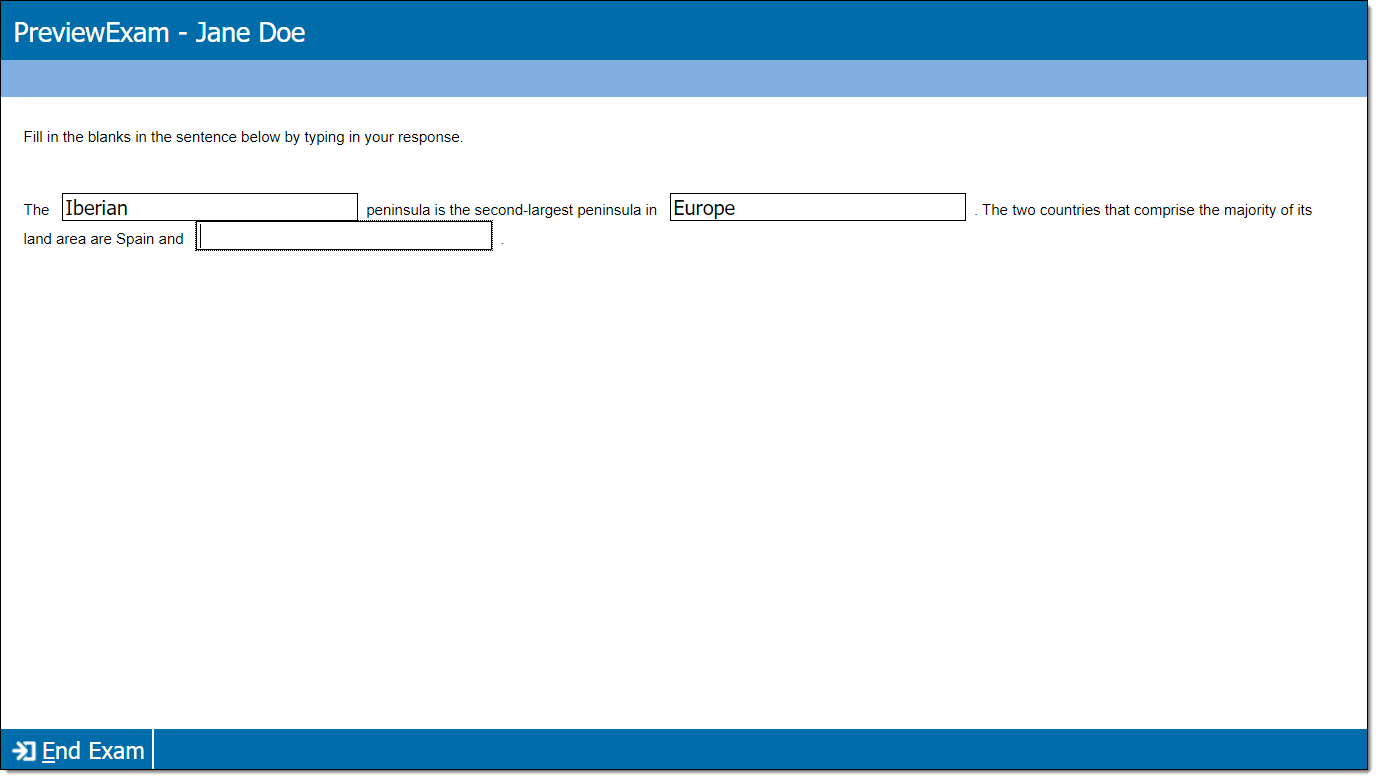
An item with one ore more blank text fields embedded in the response area, which are typically formatted as sentences or paragraphs with gaps of missing content. The candidate must type correct responses in all of the blank fields to score the item correctly, or, each individual response field is scored independently (correct responses score points and incorrect responses do not score points).
|
|
|
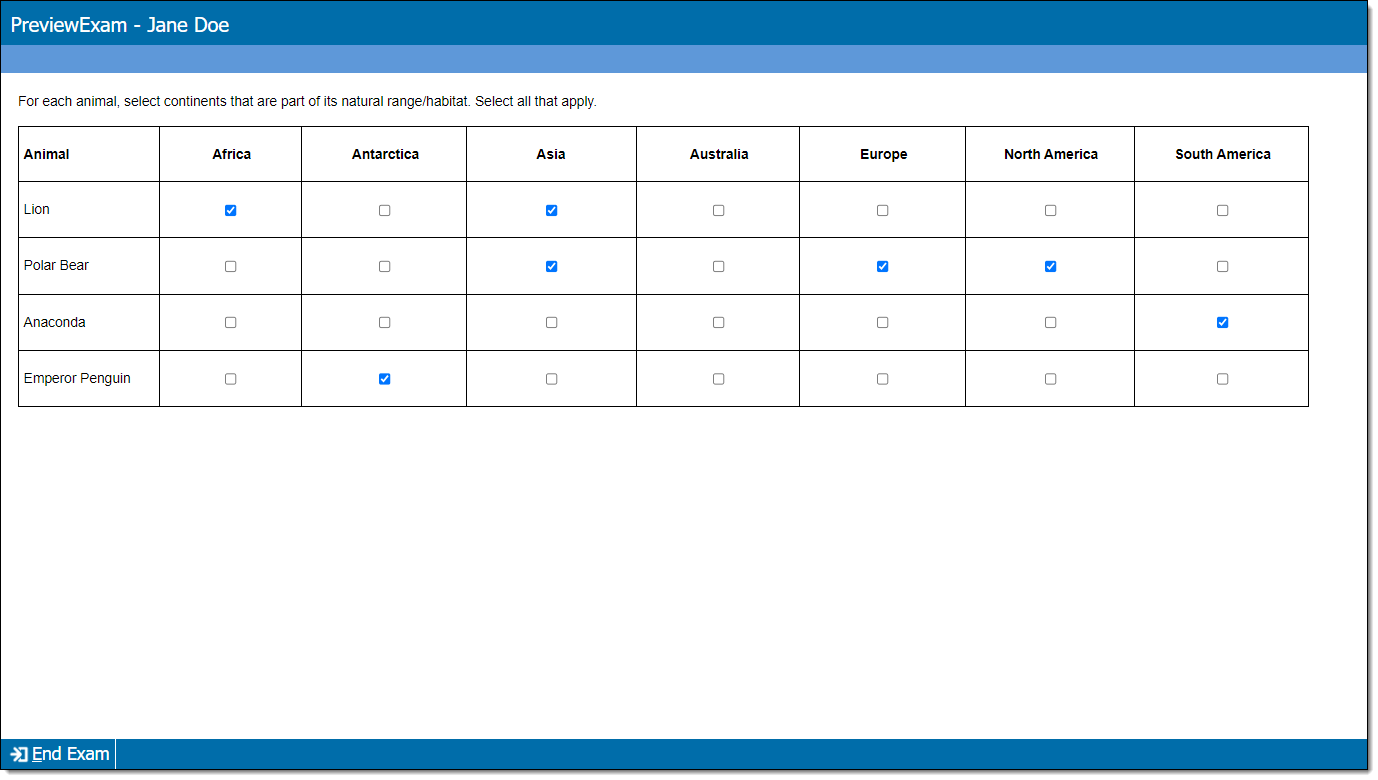
An item with a set of responses arranged in a grid of rows and columns. Each row has one or more correct responses. Candidates must select all of the correct responses and none of the incorrect responses for the item to be scored as correct.
|
|
|
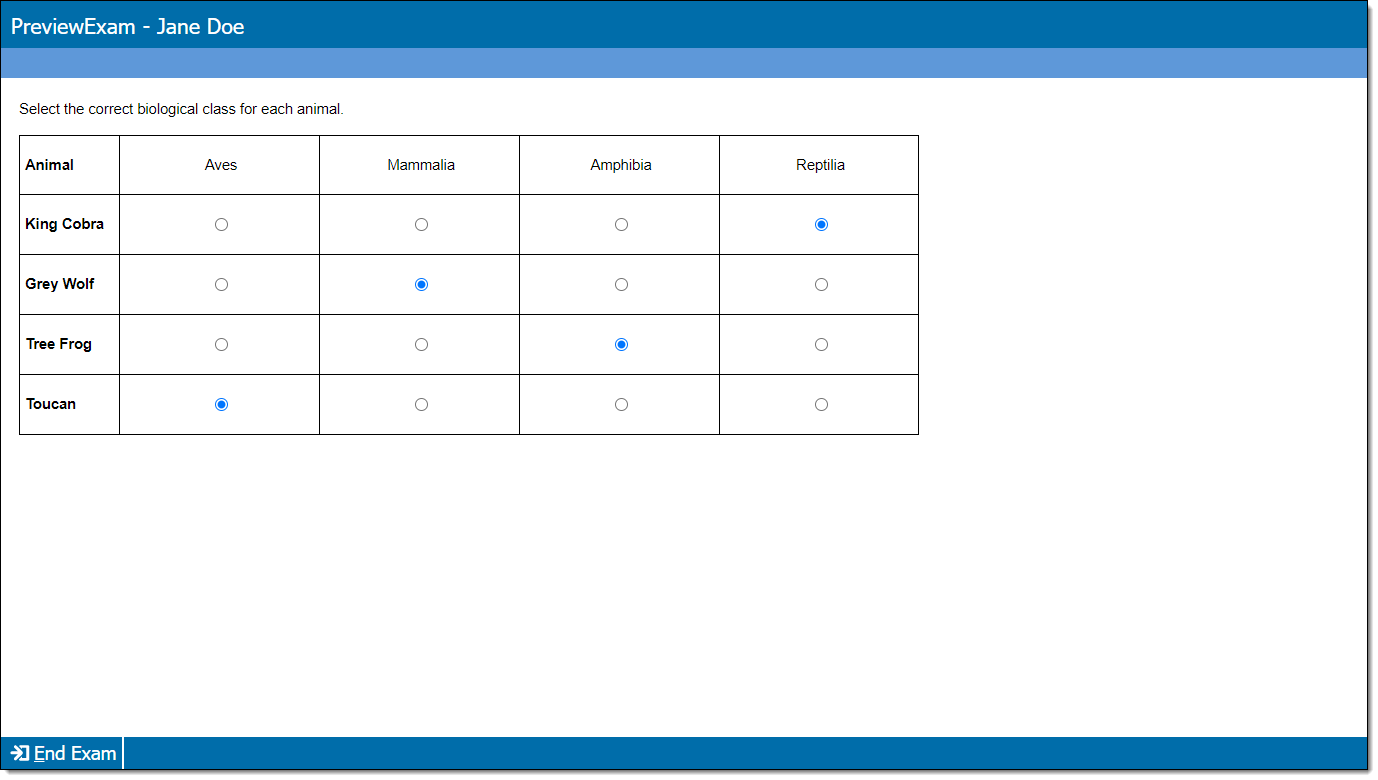
An item with a set of responses arranged in a grid of rows and columns. Each row has only one correct response. Candidates must select all of the correct responses and none of the incorrect responses for the item to be scored as correct.
|
|
| Hot spot/Hot Area |
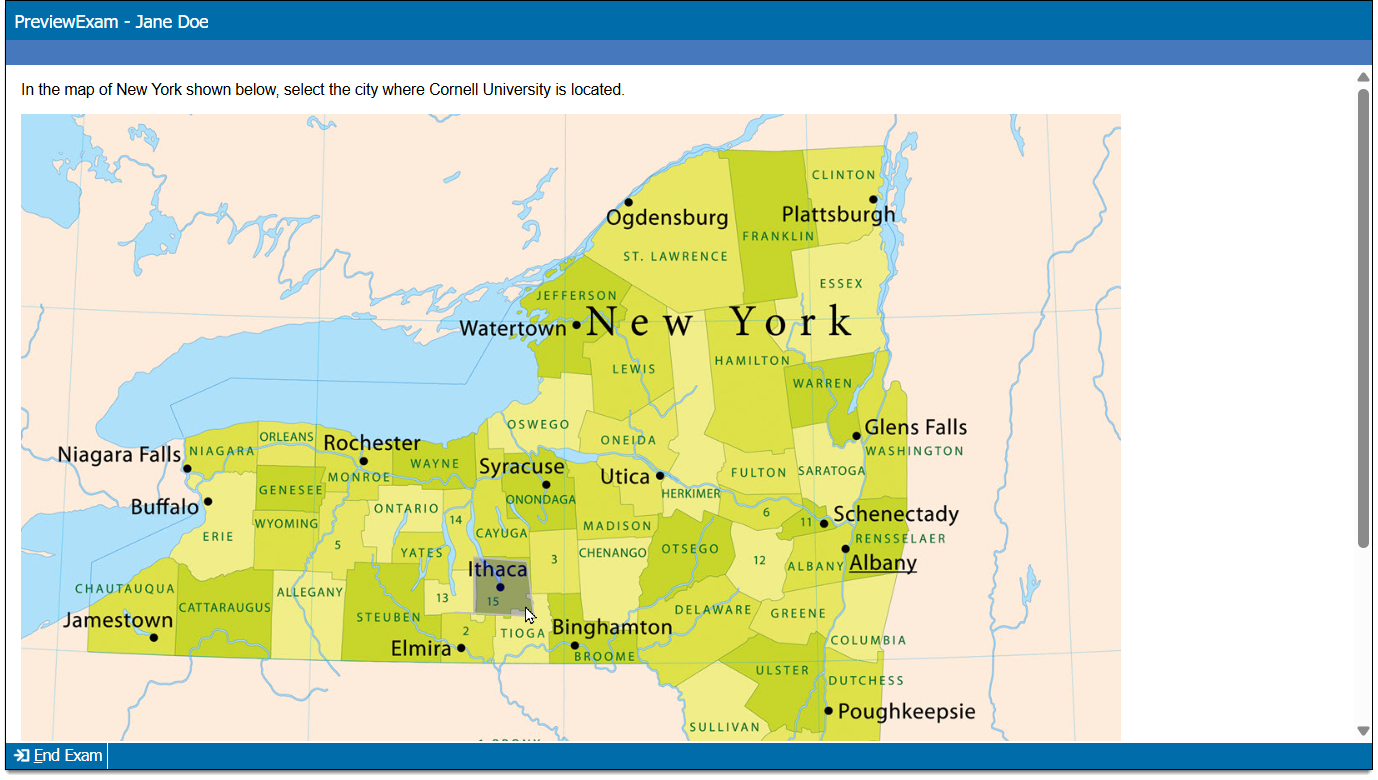
An item that requires candidates to provide a response by selecting one or more 'hot spots' or 'hot areas' on an image that correspond to information provided in the question/stem.
|
|
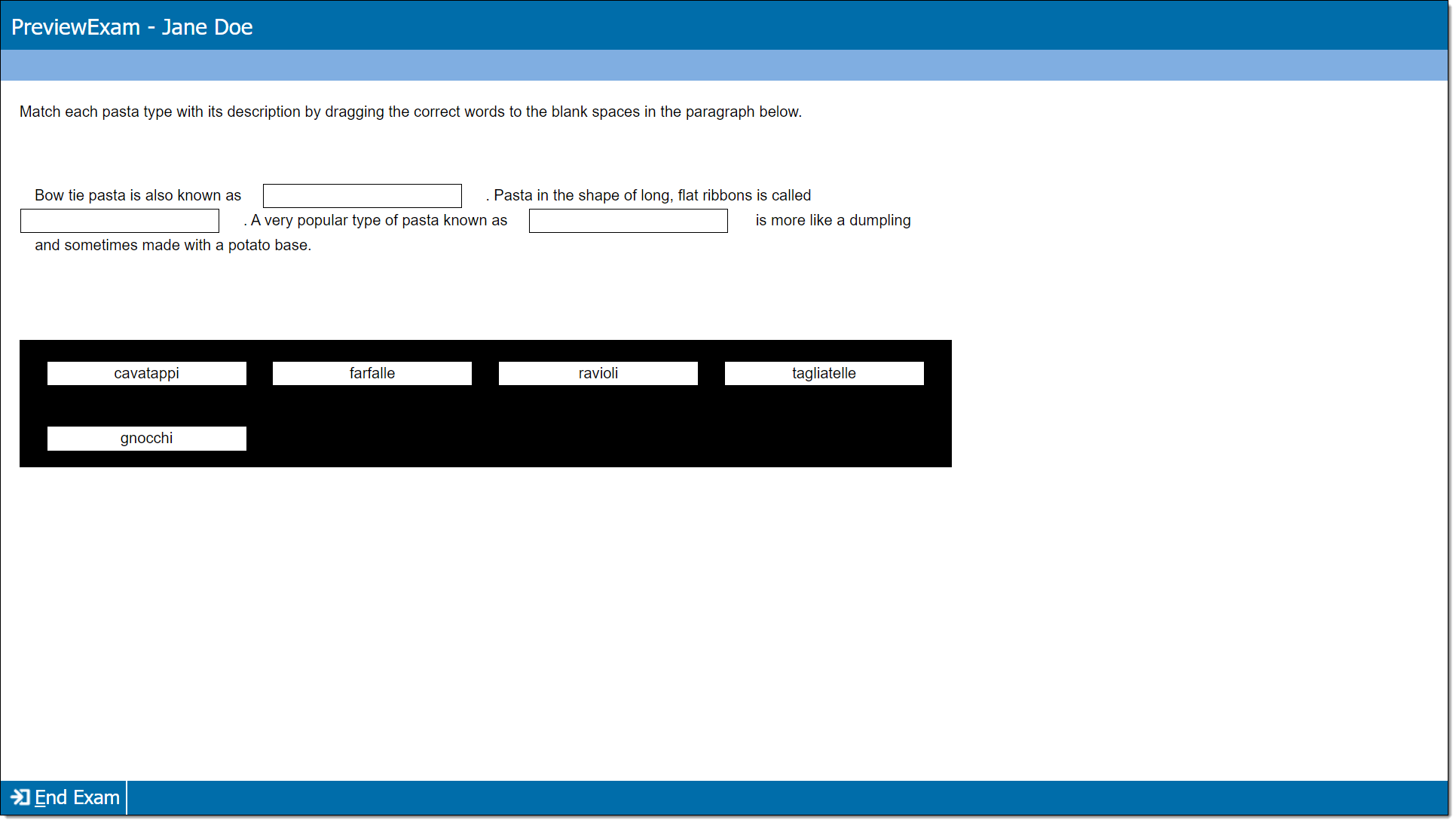
An item with 'targets' (blank spaces or gaps) embedded in the text. Response options are presented as 'tokens', which are individual boxes containing text that the candidate must drag to the correct targets in the stem. The candidate must either drag and drop the correct tokens on all of the targets to earn a correct score for the item, or the candidate will score points based on the number of correctly placed tokens.
|
|
|
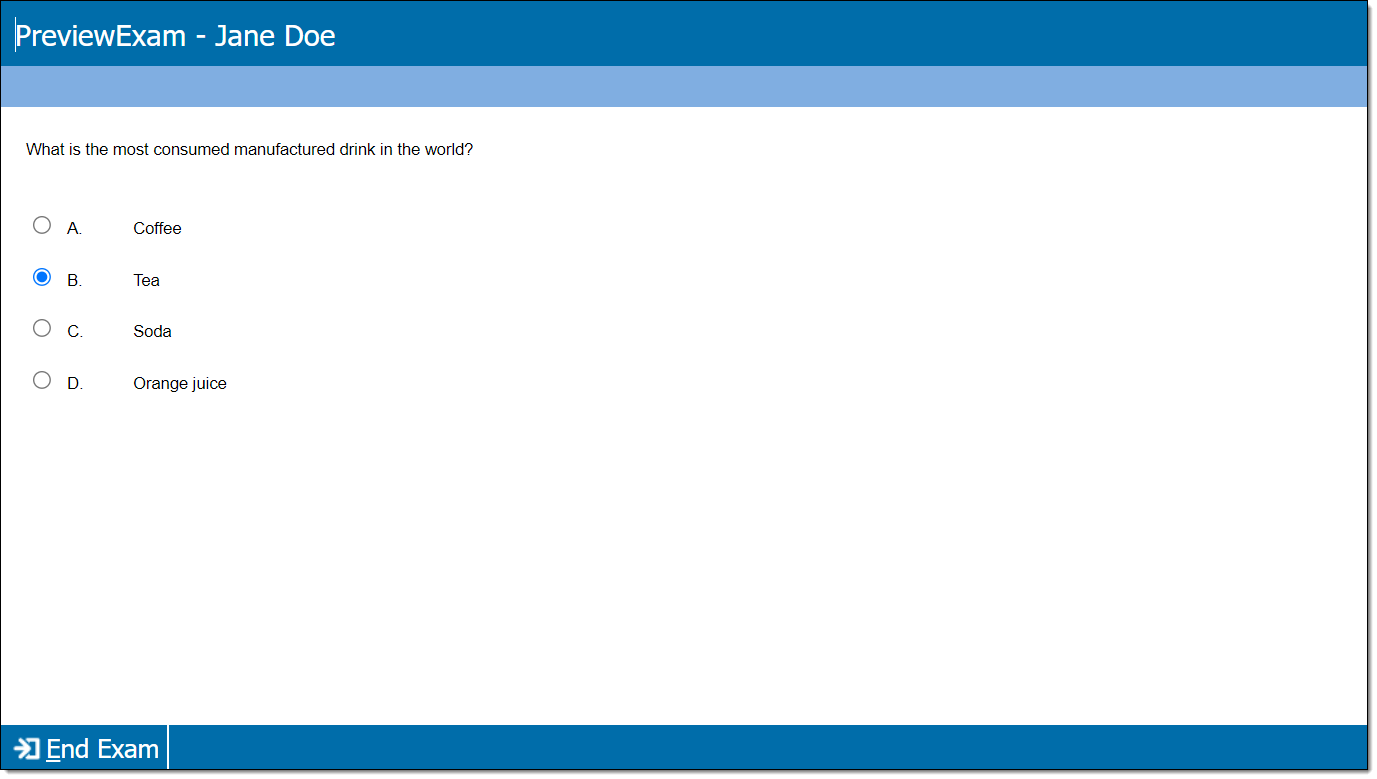
An item with a single set of response options; only one response option is correct.
|
|
|
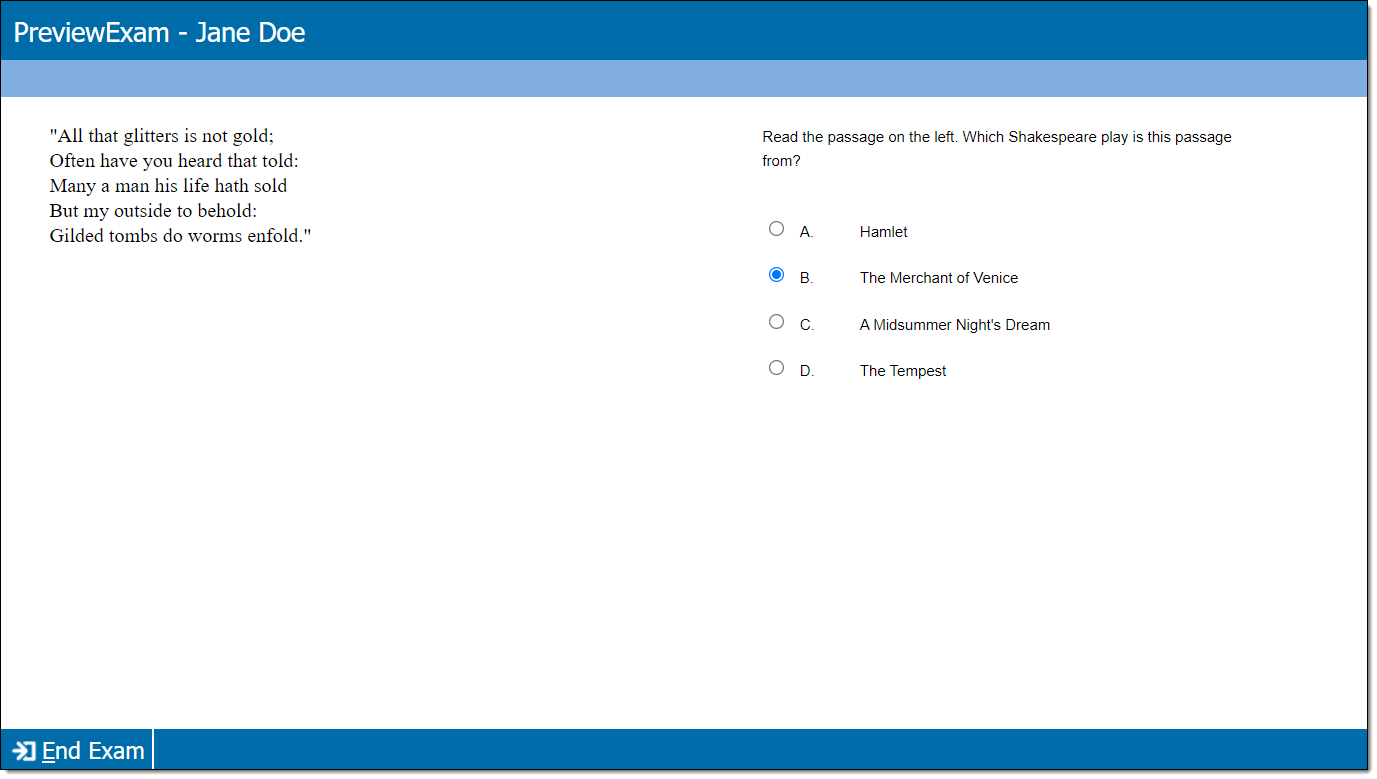
An item with one or more content passages and a single set of response options. Only one response option is correct.
|
|
|
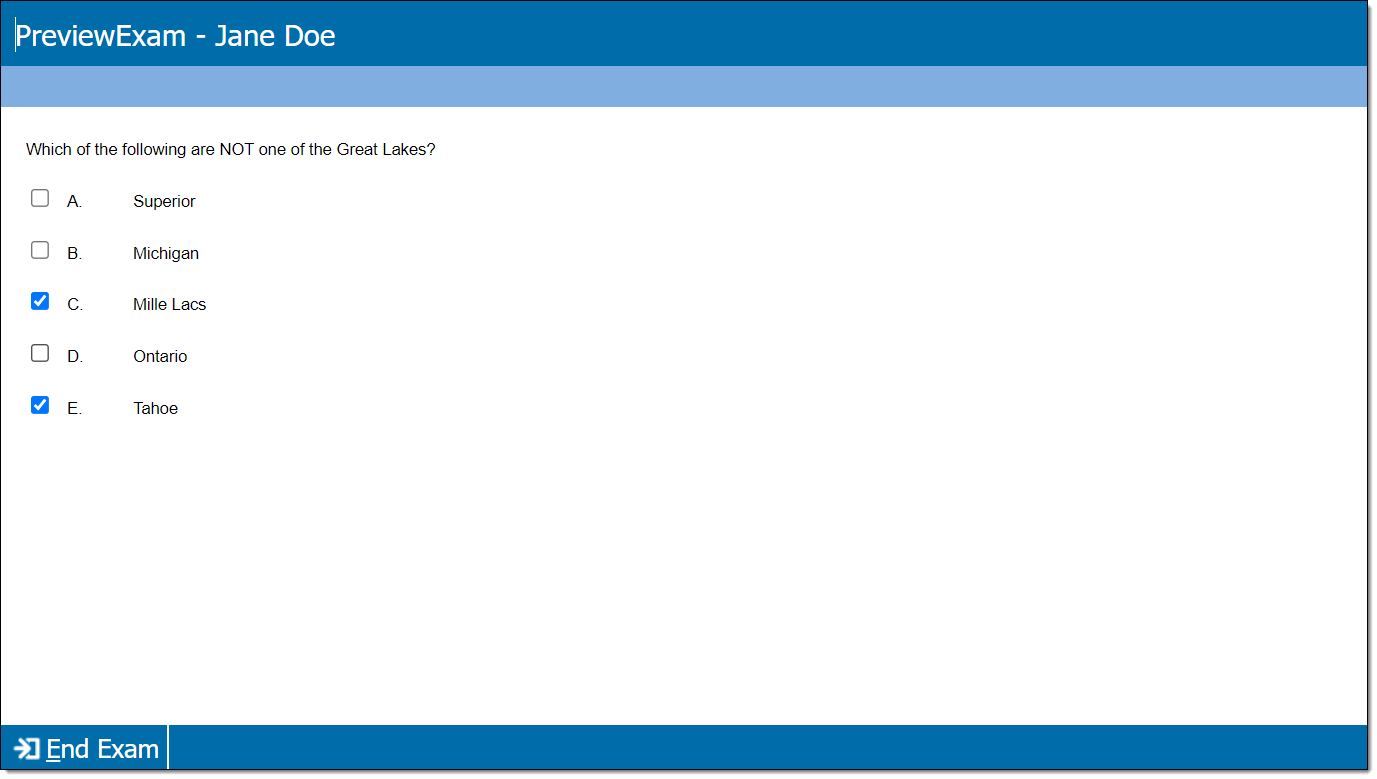
An item with a single set of response options; two or more response options are correct. In some cases, the candidate must select all correct responses. Or, the item can be configured to score points for only one or more (but not all) correct responses.
|
|
|
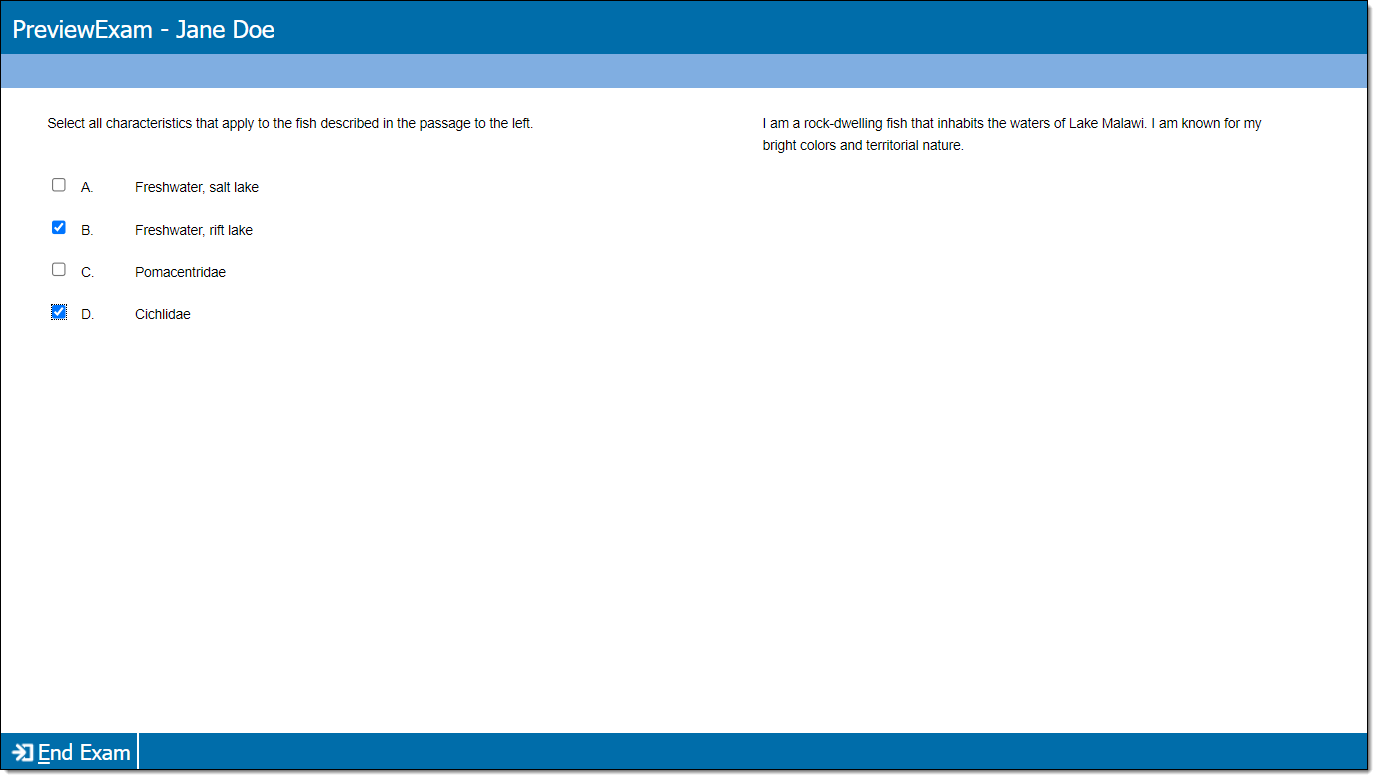
An item with one or more content passages and a single set of response options. Two or more response options are correct. In some cases, the candidate must select all correct responses. Or, the item can be configured to score points for only one or more (but not all) correct responses.
|
|
|
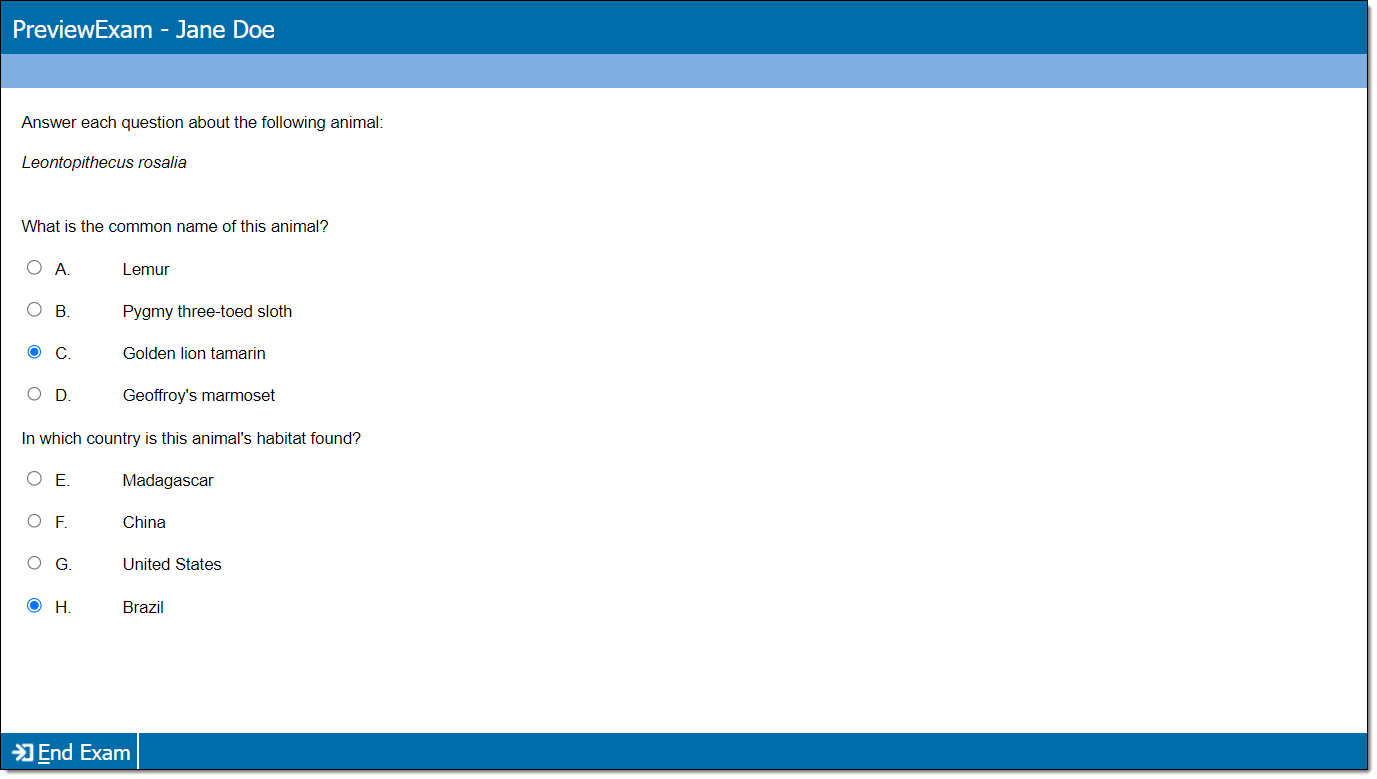
An item with multiple questions, each with their own set of response options. For each question, only one response option is correct. Depending on the item type configuration, candidates must select the correct response for all questions to earn a point, or they will score a point for each correct response.
|
|
|
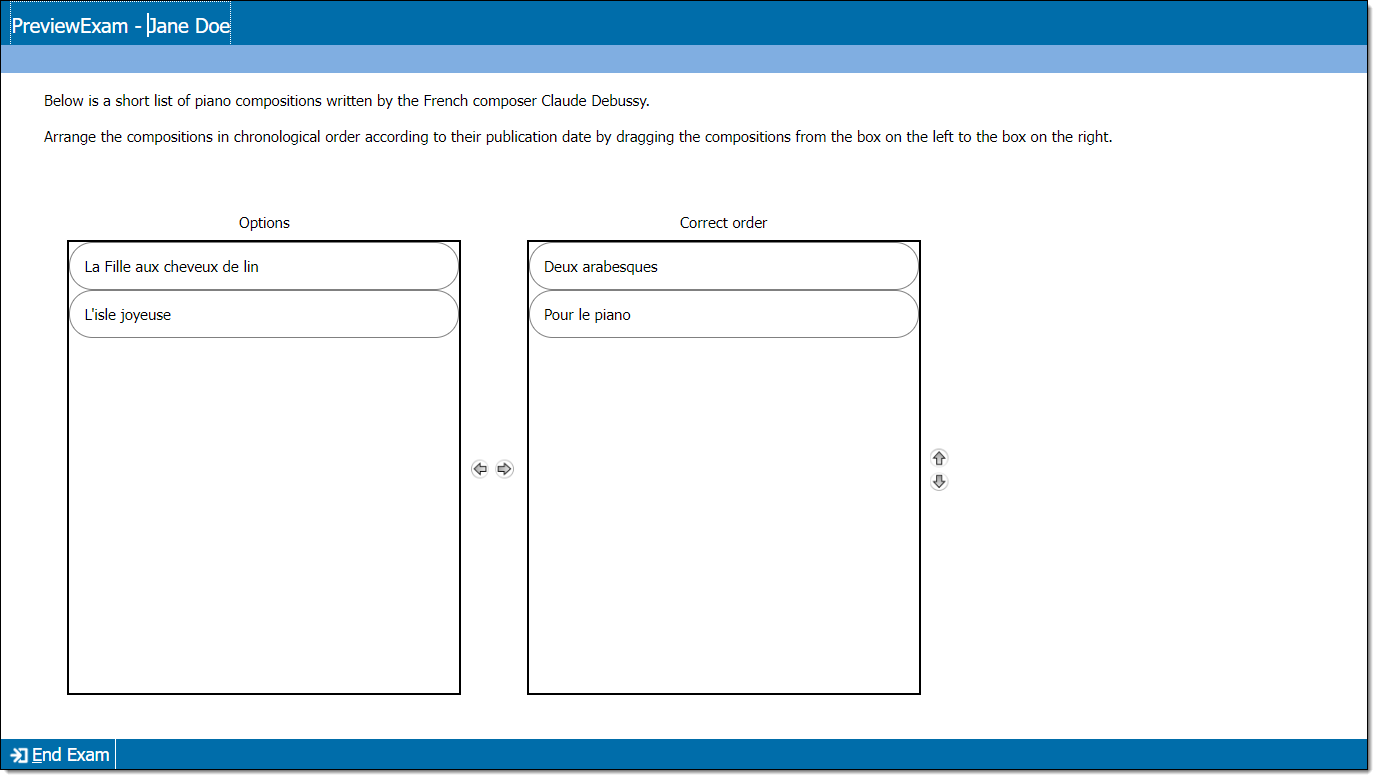
An item with a list of tokens in a 'source well' that must be dragged in a specific order to the 'target well'. The candidate must drag all tokens to the target well in the correct order to score the item as correct, or the item can be scored based on the candidate's ordering of token pairs (either relative order or absolute order).
|
|
|
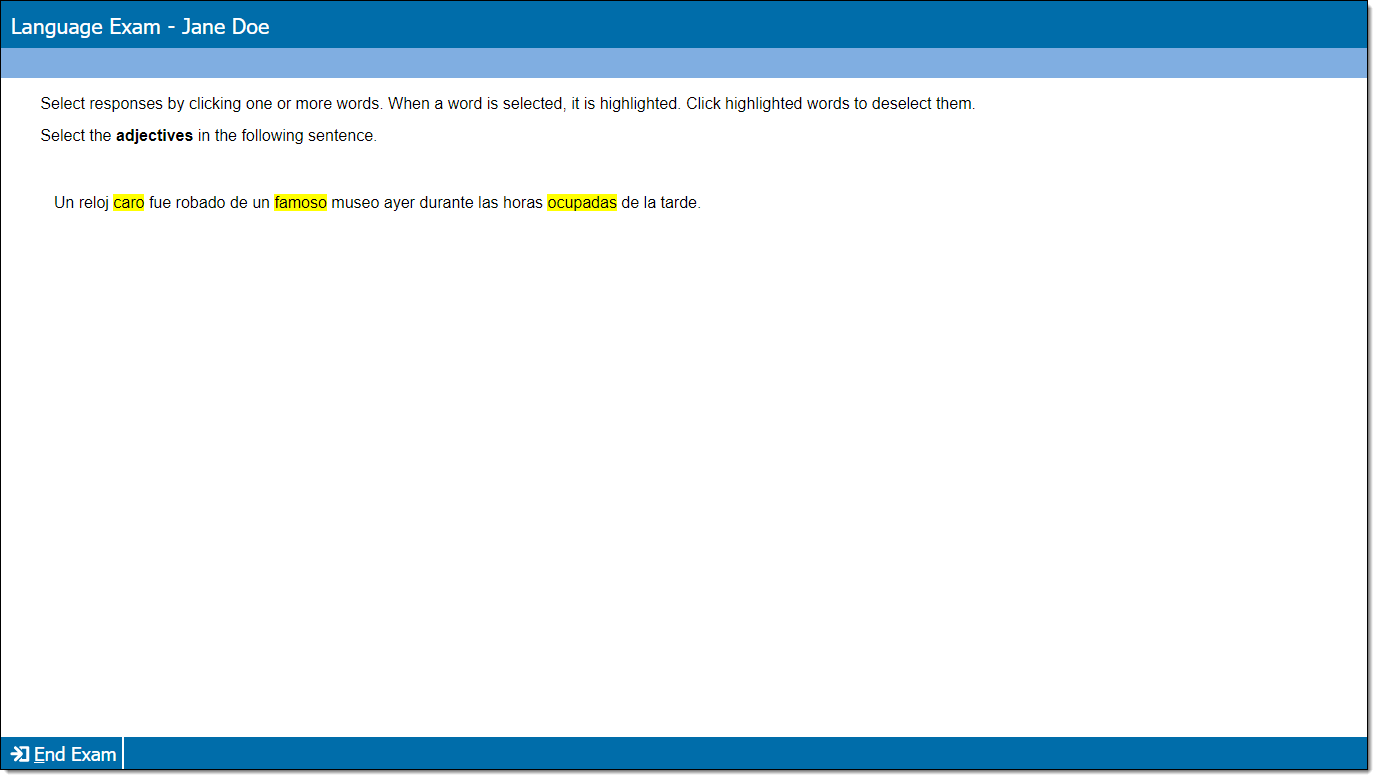
An item containing a text passage with selectable words. Each selected word is scored independently (correct selections score a point and incorrect selections remove a point).
|
|
|
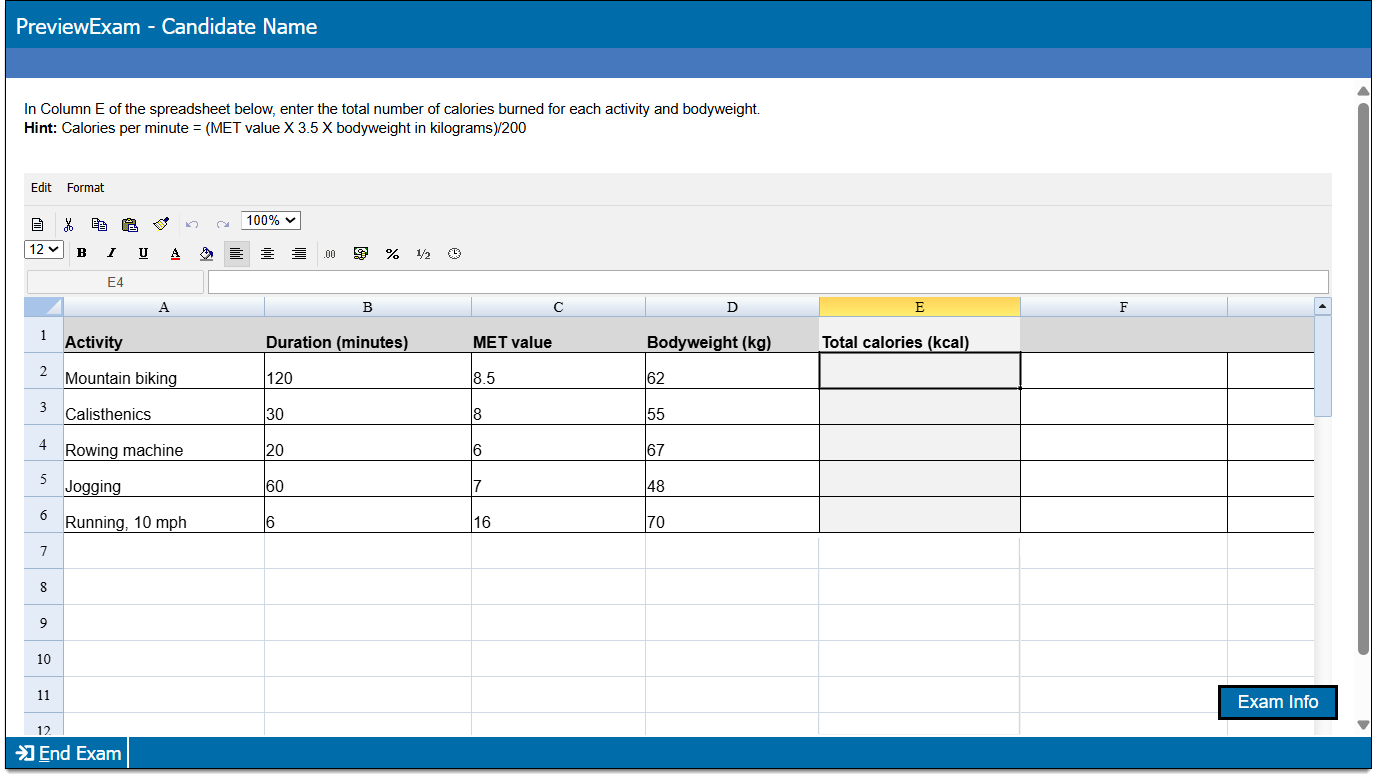
An item with a spreadsheet editor. The candidate is asked to enter data in the provided rows and columns. Points can be awarded as all-or-nothing (the entire spreadsheet must be correct), or they can be awarded points for each correct response.
|
|
|
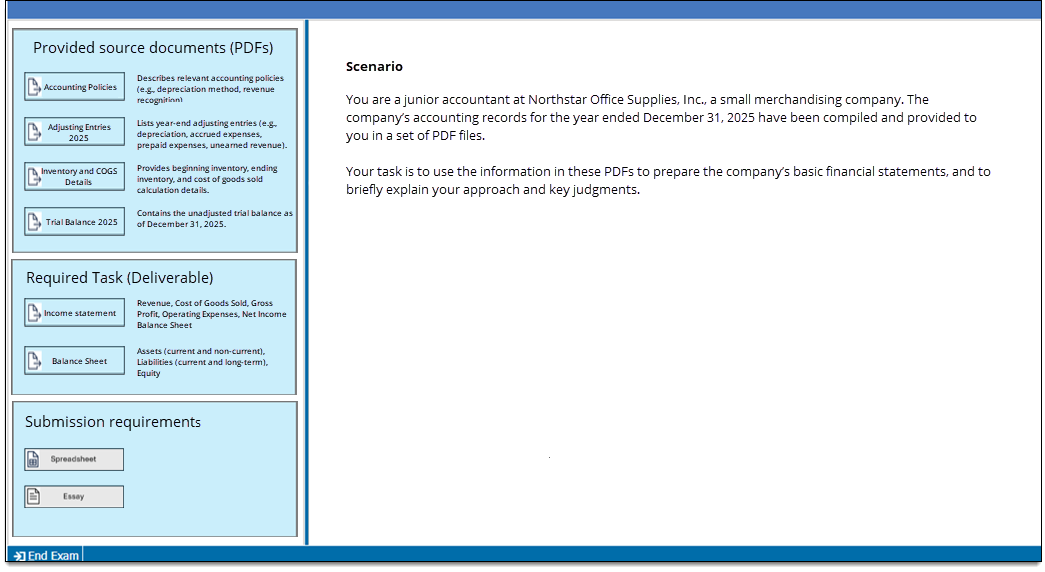
An item containing two distinct sides shown in a split screen; one side contains split screen exhibit content and the other side contains buttons for pop-up exhibits and responses. Both Essay and Spreadsheet responses can be used, and each Workspace item can include more than one response option (for example, the item can have one Essay response and one Spreadsheet response, two Essay responses, two Essay responses and a Spreadsheet response, etc.).
|