Search
Search by item content or comments
Use advanced search criteria such as phrases and operators to find items by their content. 'Content' includes any text that a candidate can see in the item stem or the response options. You can also find items by words contained within comments added by ExamDeveloper users when editing or reviewing an item.
Search for items by content or comment
- Make sure the desired view is displayed. To switch views, click the Viewing menu in the upper-right corner of the page. Learn more about views
- Select Content or Comment from the menu next to the search bar.
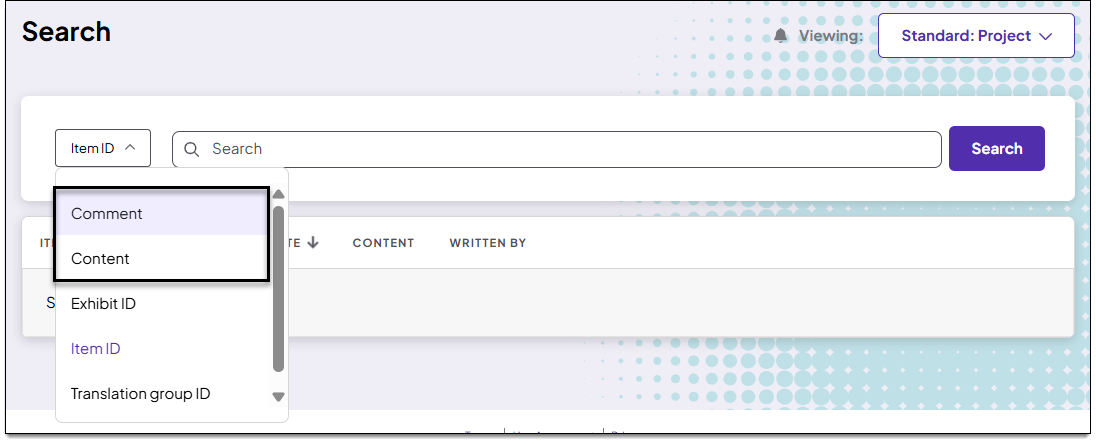
- In the Search bar, input specific content or comment text from the items you are looking for. You can search by keywords or phrases and include operators to define the criteria. Refer to the sections below ↓ for important details.
- Press Enter on your keyboard or click Search.
- While the search is loading, you can click Cancel to stop the in-progress search.
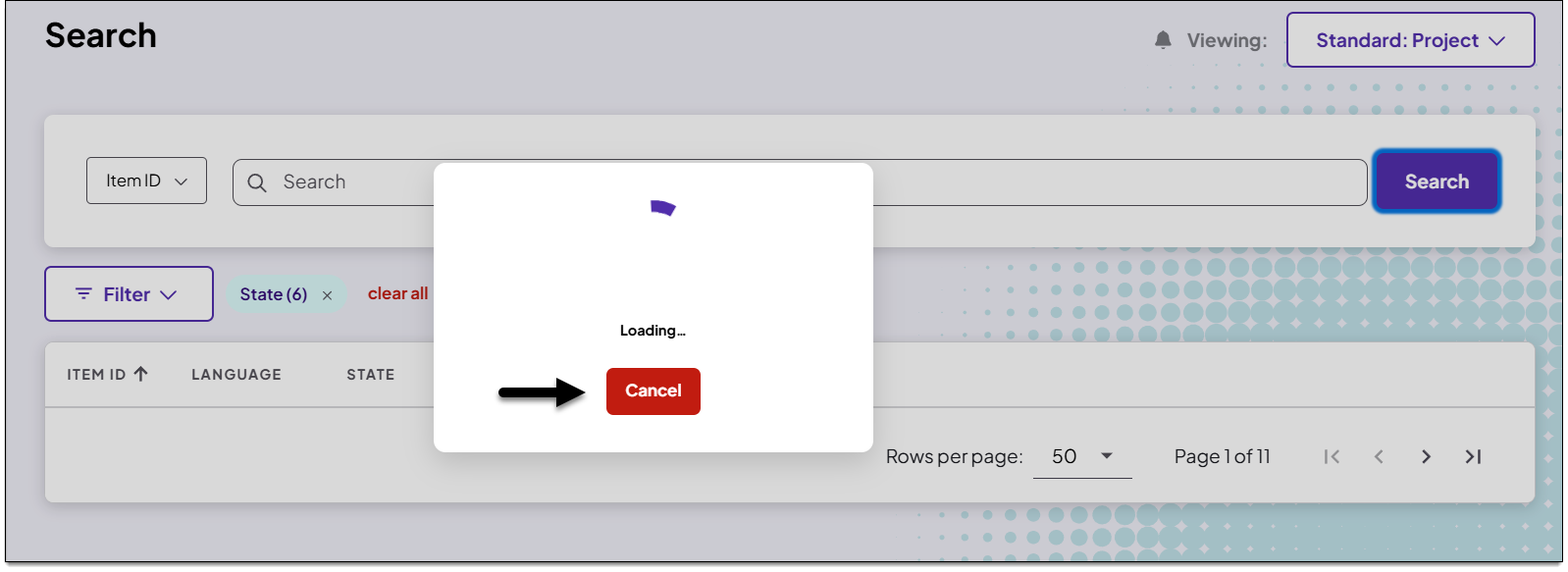
- While the search is loading, you can click Cancel to stop the in-progress search.
- The search results are displayed. You can now sort or filter the results, open an item or batch of items in the item editor, or clear the criteria and start a new search. See Getting around the Search page for more information.
Review the tips below before entering a keyword or phrase:
|
|
 The operator
Add keywords
Input single words separated by single spaces to find all items that contain those words, or instances of those words. For example, inputting ice cream (with a space between ice and cream and no quotation marks) will return the following:
- all items that include both ice and cream in the item content regardless of order or placement, such as "First add cream. Then add ice."
- all items that include words that contain ice or cream as part of another word, such as iced or creamed
- all items that contain ice cream - since the order of words is not specified in a keyword search

You can also add parentheses () to indicate the order of operations for a group of words . For example, (cats AND dogs) OR pigs will return items that contain both the words cats and the word dogs or the word pigs, such as: “the cats played with the dogs" or "the pigs played with the goats". A search for cats AND (dogs OR pigs) would return items that contain the word cats and also contain either the word dogs or the word pigs.
Add phrases (exact sequences of words or compound words)
Add double quotation marks around a phrase (an exact sequence of words or a compound word) to search for items that contain the phrase.
For example, inputting "ice cream" will return only items that contain the exact sequence of ice cream. Items that contain the single word ice or the single word cream or both words not adjacent to each other will not be returned.

Add operators
Operators can be used to either include or exclude specific words or phrases.
AND operator
Include AND between words or phrases to return items that contain all of the listed words or phrases. Since AND is assumed if no other operators are present, you do not always need to include it.
For example, inputting puma AND "mountain lion" AND panther will return items that contain all three: puma mountain lion, and panther. You could also input puma "mountain lion" panther to perform the same search.

Items that would not be returned from this search include:
- items that do not include all three of the following: puma, mountain lion, and panther
- items with mountain or lion not adjacent to each other
OR operator
Include OR between words or phrases to return items that contain at least one of the words or phrases in the search.
For example, puma OR "mountain lion" would return items that include either the word puma or the compound word mountain lion. Items that contain both puma and mountain lion would also be returned, since the NOT operator is not included.

NOT operator
Include NOT between words or phrases to return items that do not contain the words or phrases specified after NOT.
For example, puma NOT "mountain lion" would return only items that contain the word puma but do not contain the compound word mountain lion. Any items that contain mountain lion would not be returned, even if puma is included. However, items that contain mountain and/or lion not adjacent to each other anywhere in the item would be included.
