Add references
Item authors are often required to specify source materials that were used when authoring the item content. A reference can be a book, journal article, website URL, or mathematical equation. In some cases, reference materials are shared with item authors ahead of time. These materials may be available to select as an existing reference so that the author does not have to add a new reference when writing the item. Additional information such as page number or chapter may be needed.
Add a reference
Document source materials that you referenced when writing item content.
 When you create and save a new reference, that reference is added to the project's reference library and can be applied to other items.
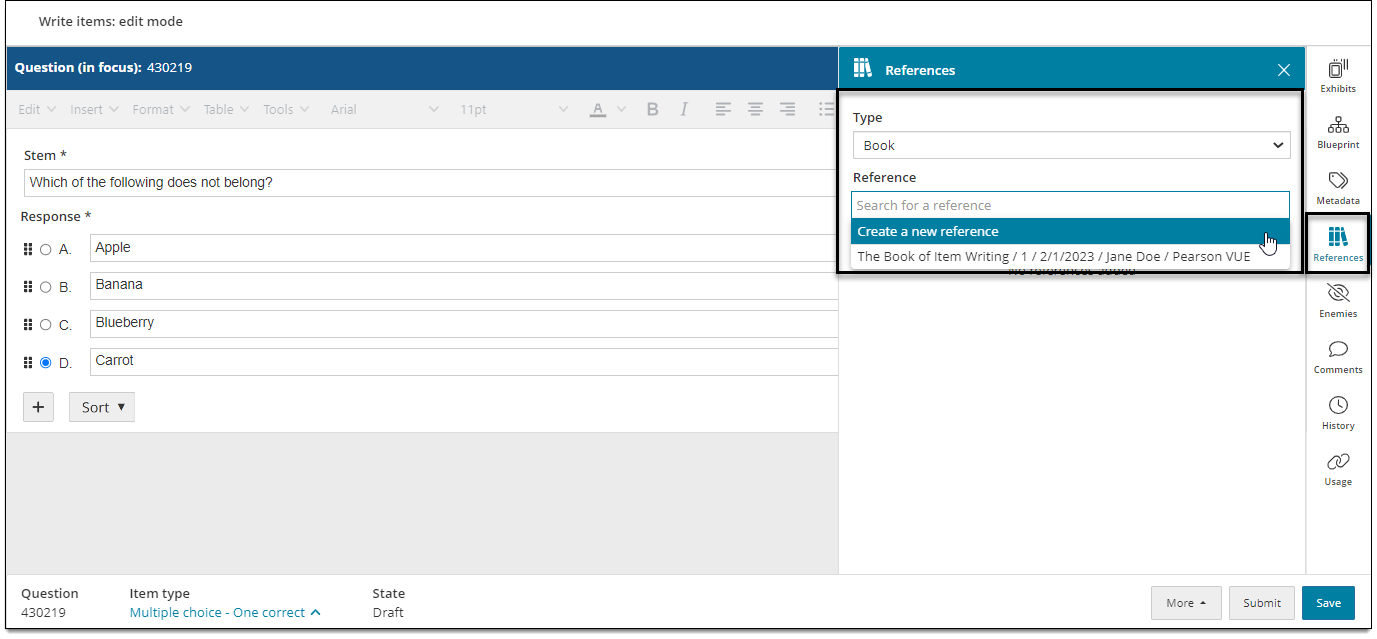
- In the item settings panel
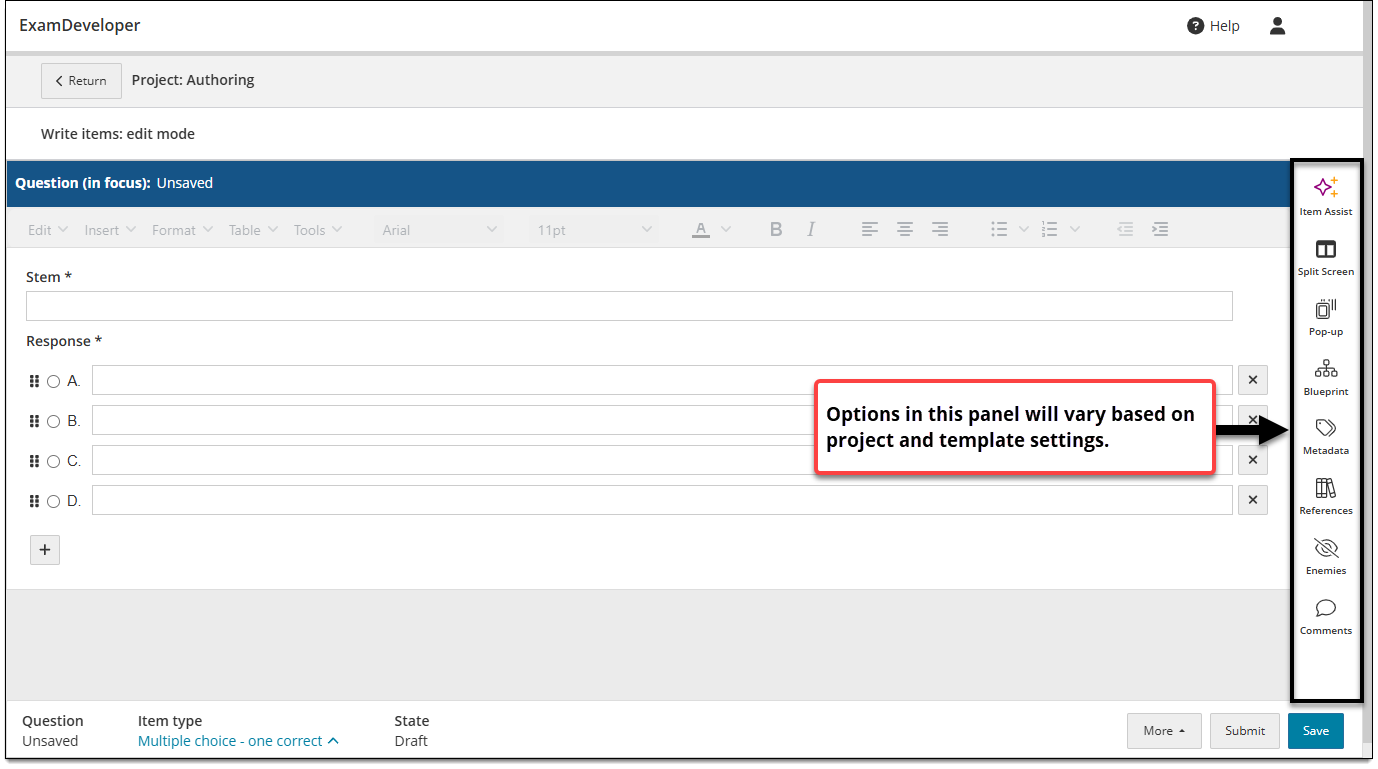
 , click References.
 - Select an option from the Type drop-down menu (e.g., Book).
- Click inside the Reference field and select an existing reference (if available) or Create a new reference.
- Enter information for the various fields (described below).
- Click Add in the lower-right corner of the References panel.
Types of references
Book
- Source: the book name or title.
- Edition: the edition number (e.g., "first", "1", "2nd", etc.).
- Date: the publication date of the book (not the date the book was added as a reference for the item).
- Author: the book's author or authors.
- Publisher: the name of the book's publisher.
- Chapter: the chapter of the book where the reference exists (e.g., "Chapter 3" or "Chapters 3-4").
- Page: the number of page or pages where the reference exists (e.g., "p. 21" or "pp, 21-22").
- Component: indicates which component of the item the book reference applies to (e.g., "item" "key", "distractor", or "key and distractor").
- Notes: any additional notes about the book or how it was used.
Journal
- Source: the name of the journal (not the specific article, which is added below).
- Date: the publication date of the journal article (not the date the journal was added as a reference for the item).
- Author: the author or authors of the journal article.
- Article: the name or title of the journal article.
- Volume: the volume number of the journal.
- Issue: the issue number of the journal.
- Page: the number of page or pages where the reference exists (e.g., "p. 21" or "pp, 21-22").
- Component: indicates which component of the item the journal reference applies to (e.g., "item" "key", "distractor", or "key and distractor").
- Notes: any additional notes about the journal article or how it was used.
URL
- Source: the book name or title.
- Date: the publication date of the website page URL (not the date the URL was added as a reference for the item).
- Component: indicates which component of the item the URL reference applies to (e.g., "item" "key", "distractor", or "key and distractor").
- Notes: any additional notes about the URL or how it was used.
Equation
- Source: the name or type of the equation.
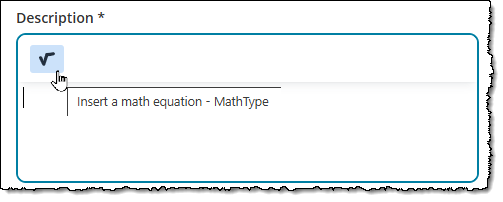
- Description: the equation used as a reference. Click the equation icon to add it using the equation editor, or type it in the text field.
- Component: indicates which component of the item the equation reference applies to (e.g., "item" "key", "distractor", or "key and distractor").
- Notes: any additional notes about the reference equation or how it was used.
Edit or remove a reference
- In the item properties panel , click References.
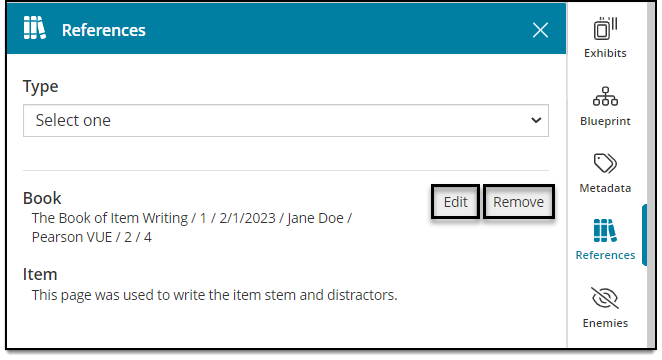
- Click Edit next to the displayed reference to modify the details described above (Edition, Page, etc.).
- Or, click Remove to disassociate the item from the reference. (This does not remove the reference from the list of available references for other items.)