Create a new case
A case is a group of questions that can be delivered together during an exam. Items in a case may also contain exhibits.
Create a new case
|
|
- On the Assignments page:
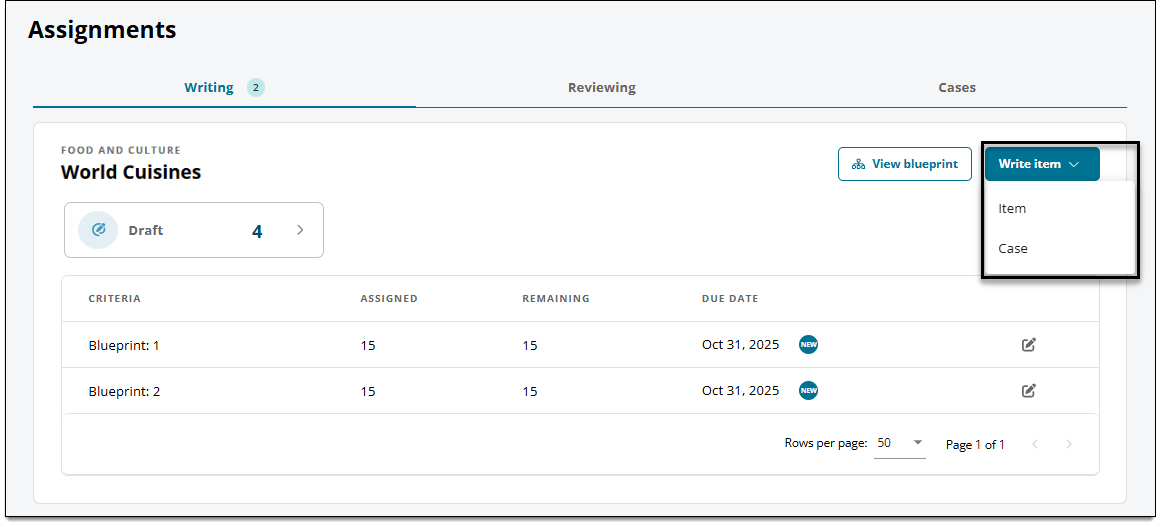
- Click the Write item button and select Case.
- Or click the Cases tab, then click Write Case.
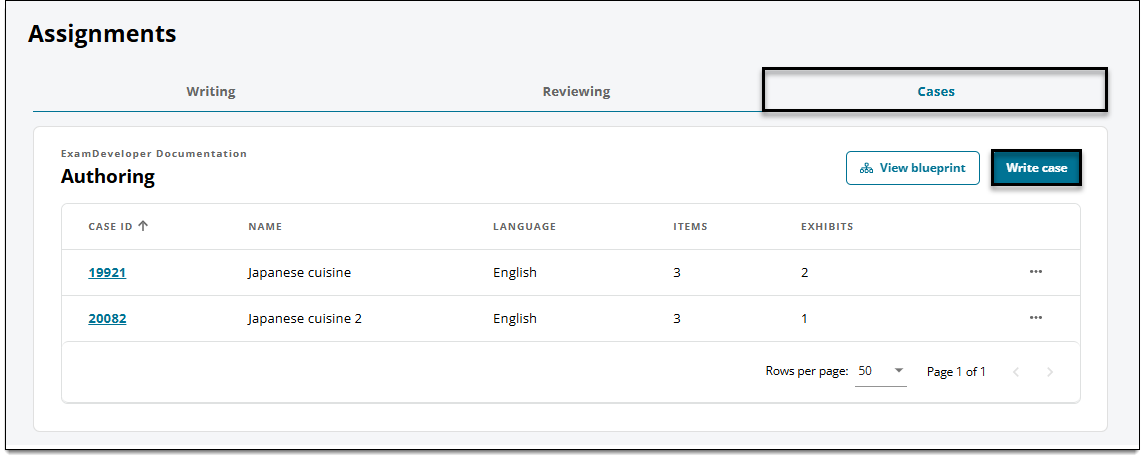
 The Write case option may not be available when working on a project that does not allow you to write outside of your specific assignments.
- Click the Write item button and select Case.
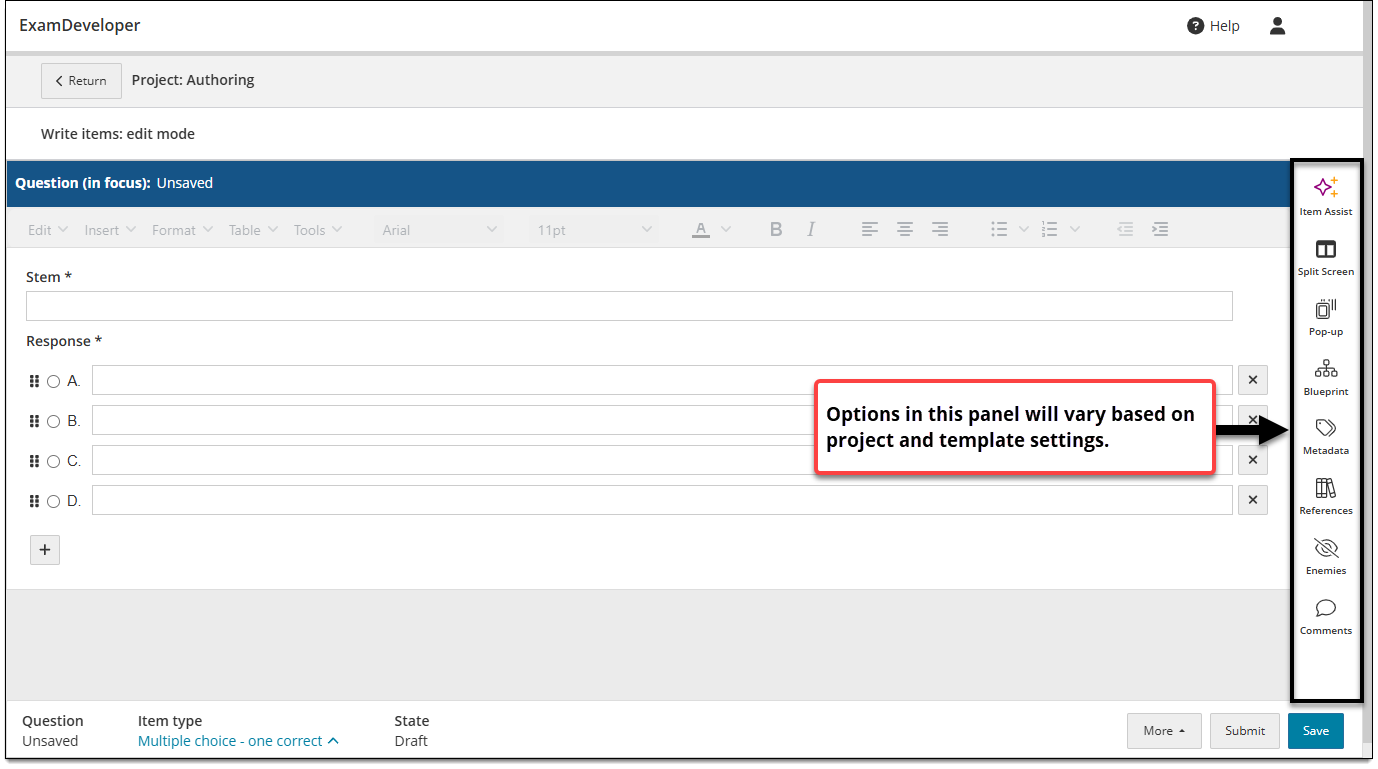
- A new, blank case is opened in the item editor, where you can begin adding items.
- Click Case in the item settings panel
 .
.
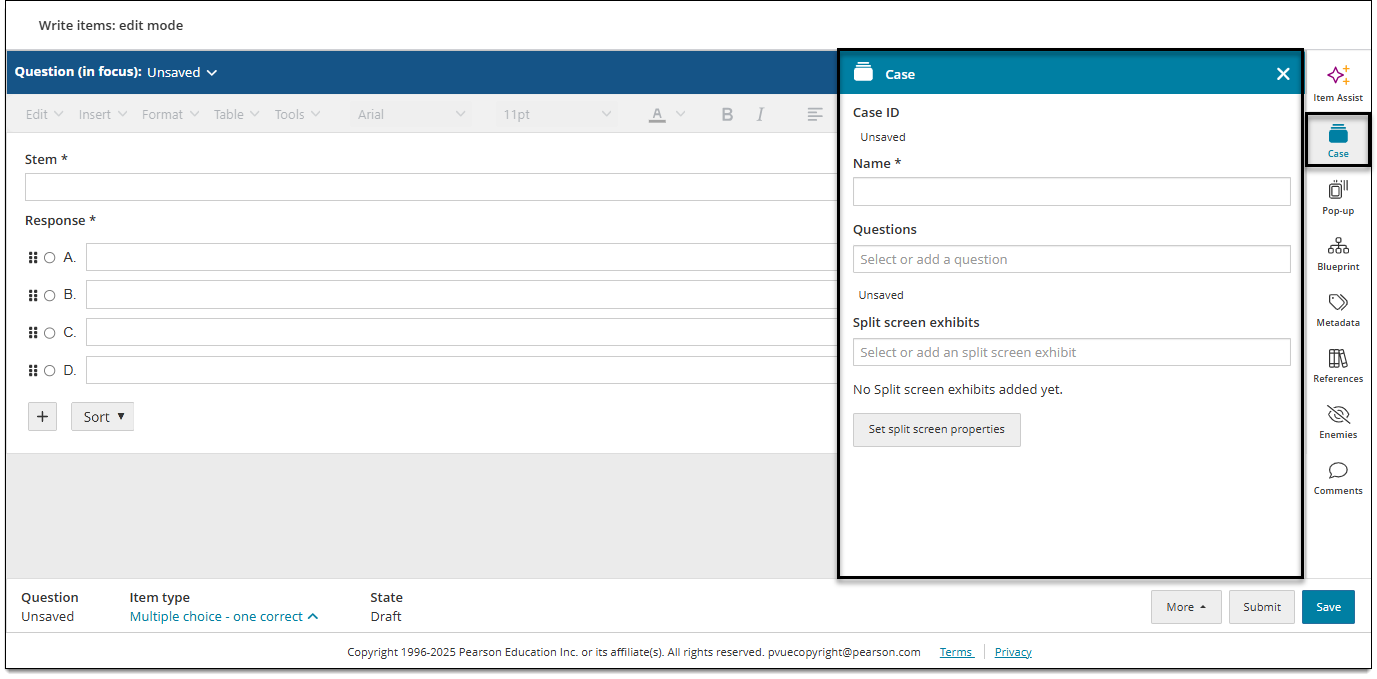
- If this is a new case, enter a name in the Name field.
- Once the case is created and saved, only users with the Review Cases permission can edit the case name.
-
- Click Save in the lower-right corner of the page to save the case.
- The Case ID is displayed in the Case panel once you save the case for the first time.
- You can now add questions and exhibits to the case.